

A portfolio with
a little personality.
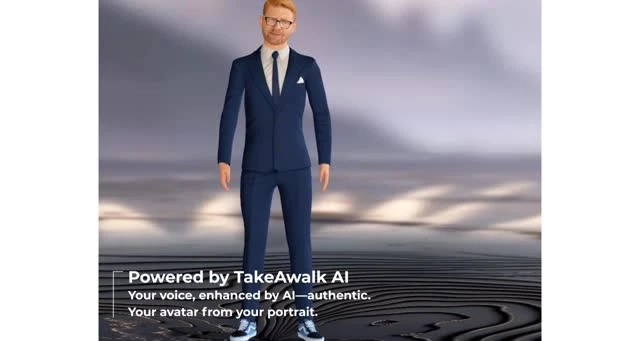
I wanted a portfolio that felt alive. So I made a mini-me that follows your cursor, and an AI guide that helps visitors explore my experience and projects.

Go on,
move around.The live portrait beside this page is part of the project. On mobile, it stays in the corner.
An introduction visitors can explore.
The website brings together my CV, eight projects, work history and showreels. Visitors can browse those directly or open an AI guide to ask about my professional experience.
The portrait gives the site a sense of presence while the content remains accessible through ordinary links, buttons and keyboard controls. The AI is clearly identified as a representation of me, with a direct way to contact the real Kareem.
Making the portrait feel present.
The effect uses 38 approved portrait images, with intermediate gaze angles, smooth transitions, subtle idle movement and procedural blinking. Pointer tracking works across the document, including navigation and chat.
Only activating the actual person triggers the brief surprise reaction. Ordinary buttons and links keep their normal behaviour. This is a sequence of 2D portrait poses, not a continuous 3D face rig.
On phones, the portrait docks in the corner and follows touch. Supported browsers can also use phone tilt; permission depends on the browser. Motion can be paused, and the site respects reduced-motion preferences.
An AI introduction with clear boundaries.
The chat streams responses from a server using approved professional knowledge from my CV and portfolio. It can explain projects, skills and experience, while acknowledging information it does not have.
The interface identifies it as an AI representation, supports cancellation and shows request failures explicitly. API keys stay on the server. The guide does not read my private chats or email, and it cannot agree rates, accept work or make commitments for me.
A little extra, when you want it.
The optional background reveal paints a fading trail over a collage of my projects and tools. It starts off, keeping the page calm until a visitor chooses to try it. The main content remains readable and mobile scrolling stays natural.
The frontend uses the existing HTML, CSS and JavaScript implementation, served by Google. A separate server handles AI requests and shared request and spending limits.
Try it, or discuss your own idea.
The useful starting point is your audience and what they should discover. We can then discuss which interactions help tell that story.
Keep exploring.
Something in
mind?
Unity, XR, simulation, or a software challenge worth getting into. Let’s talk.
Say hello