

From a scenario
to a scene.
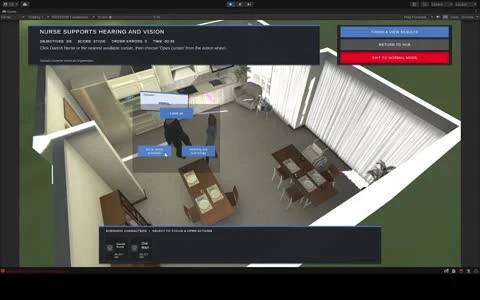
Describe a scenario. Review the plan. Watch the characters act. This demo shows the AI Scenario Builder featured in my portfolio and CV.
Press play to watch. Sound is available in the player.
An idea you can see in action.
A written scenario is a useful starting point. Seeing it play out in a spatial environment makes its characters, actions and sequence easier to inspect. The builder connects that initial description to a plan and then to a scene with characters.
The recording is the full demonstration already linked from my current public CV. It shows the authoring workflow and its on-screen result.
The workflow in the demo.
- Describe the situation. Begin with the scenario you want to explore.
- Review the plan. See how the description has been translated into a sequence before watching it run.
- Watch the scene. Observe the characters acting in the 3D environment.
The review step makes the proposed sequence visible. It gives the person creating the scenario a clearer view of what will happen.
Where this fits in my work.
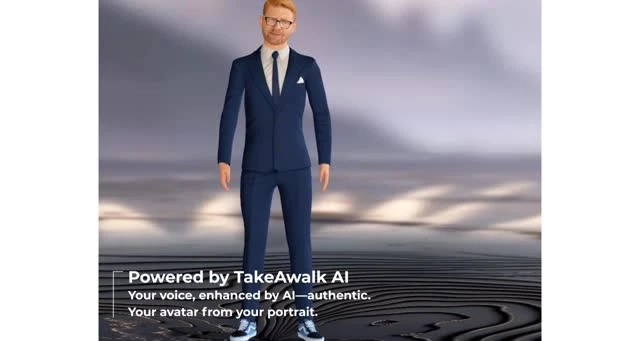
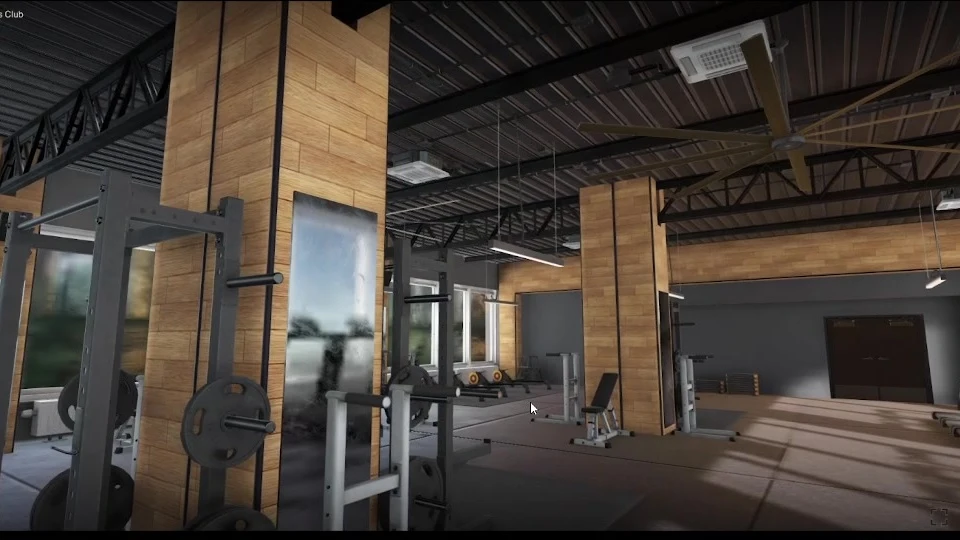
My broader Unity/XR experience includes conversational AI characters, synchronized avatars, voice integration and interactive training environments. At TakeAWalk VR, I led development of a reusable platform combining 360° media, 3D environments, multiplayer sessions and AI avatars.
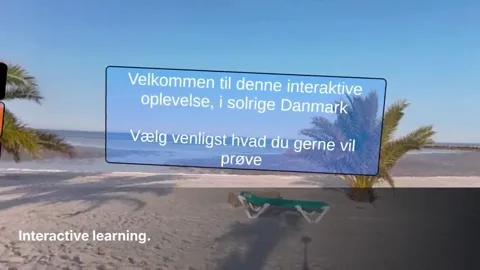
The platform work included Danish-speaking conversational avatars with synchronized mouth animation. The Scenario Builder demo illustrates another part of that interest: making AI useful inside an interactive experience.
The demo brings the scenario, its proposed plan and the characters’ actions into one workflow you can watch.
Have a scenario in mind?
Tell me who will use it, what they should practise or explore, and where it needs to run. We can discuss whether an interactive 3D experience fits the problem.
Keep exploring.
Something in
mind?
Unity, XR, simulation, or a software challenge worth getting into. Let’s talk.
Say hello